I've been considering using an XTEINK X4 as a "test mule" for some deep future computing experiments and although I've ruled it out for the long-run, the board I prefer is out-of-stock until October so I needed something to work with until then. While I was researching the XTEINK I found an Adafruit tutorial for installing CircuitPython on it and that clinched the deal.
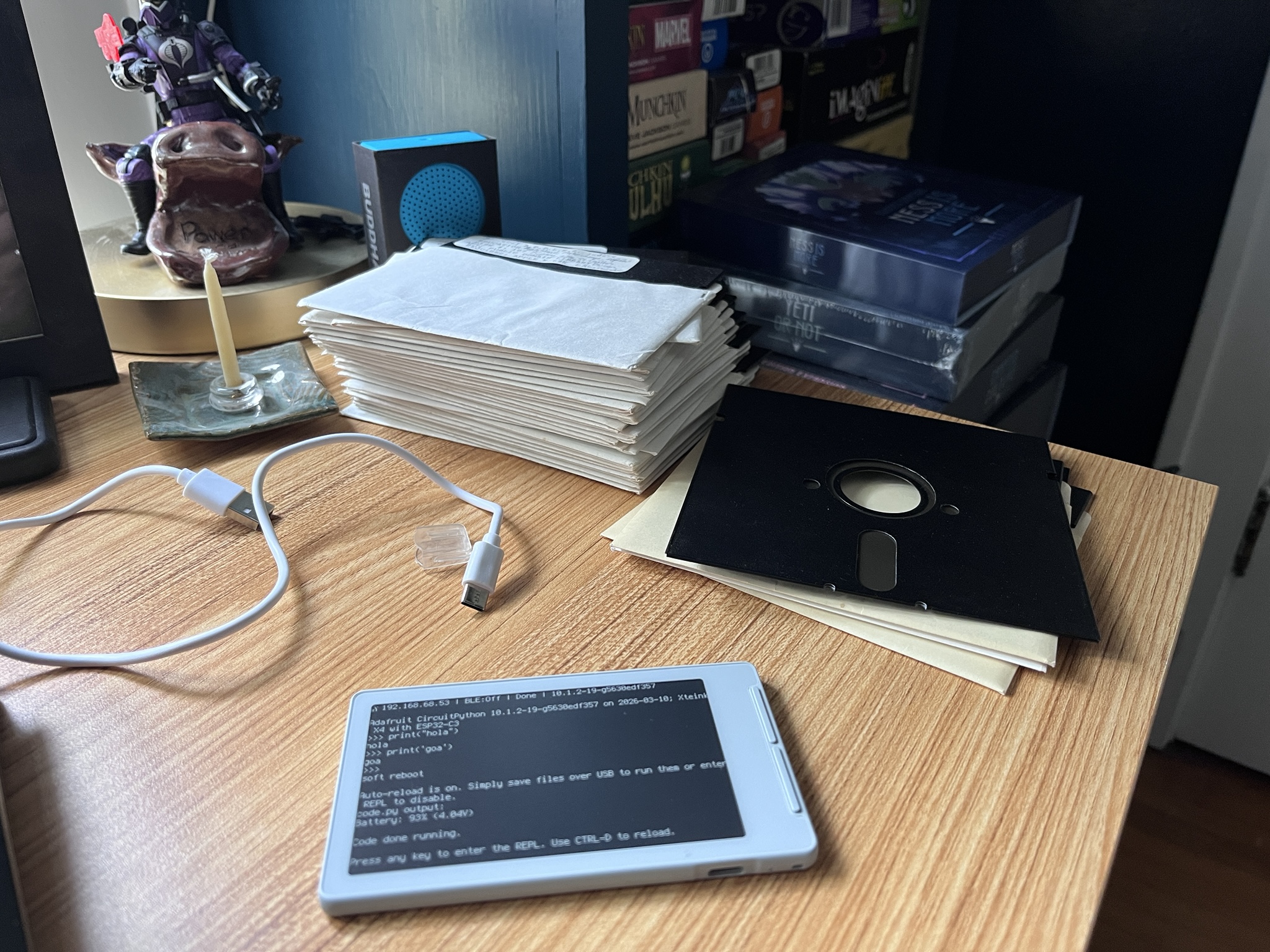
Getting CircuitPython installed was trivial once I decided to stop doing it the hard way. This meant installing a web browser that supports Web Serial, and Chromium fit the bill.
After that the next hardest part is getting the device connected and having a serial port show-up. I found the most reliable way to do this was to connect the device, turn it off and then turn it on again and not touch it. Right after it started I could see /dev/ttyACM0. For some reason that port will disappear occasionally, or sometimes the device will appear as /dev/ttyACM1. Computers, so non-deterministic...
Anyway, once the port is visible you can start the web flashing process (after backing-up the original firmware as instructed) and in a couple minutes you'll have CircuitPython installed. From this point the tutorial takes you through the process of getting it on the network, accessing the various web interfaces, etc.
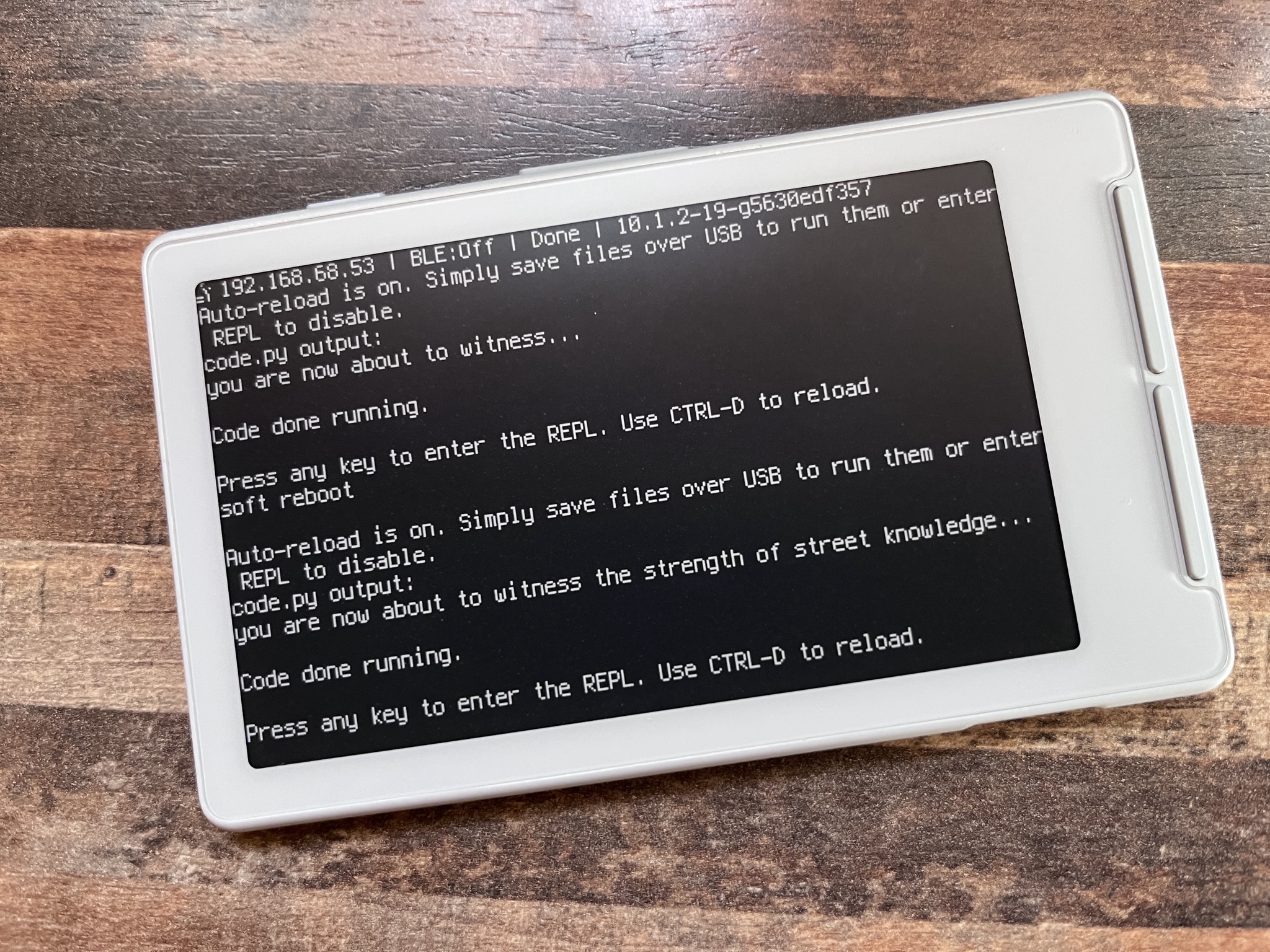
I was able to spent a few hours over the last few days experimenting with this setup and while it's a bit more complex than what I like to work with, it worked pretty well. I was able to figure out how to use the terminalio module to display text on the e-ink screen, work with files on the filesystem, etc. I even managed to port one of the Pouch tools (Jet, a journaling tool) to the device, write some journal entries and have them rendered on the e-ink.
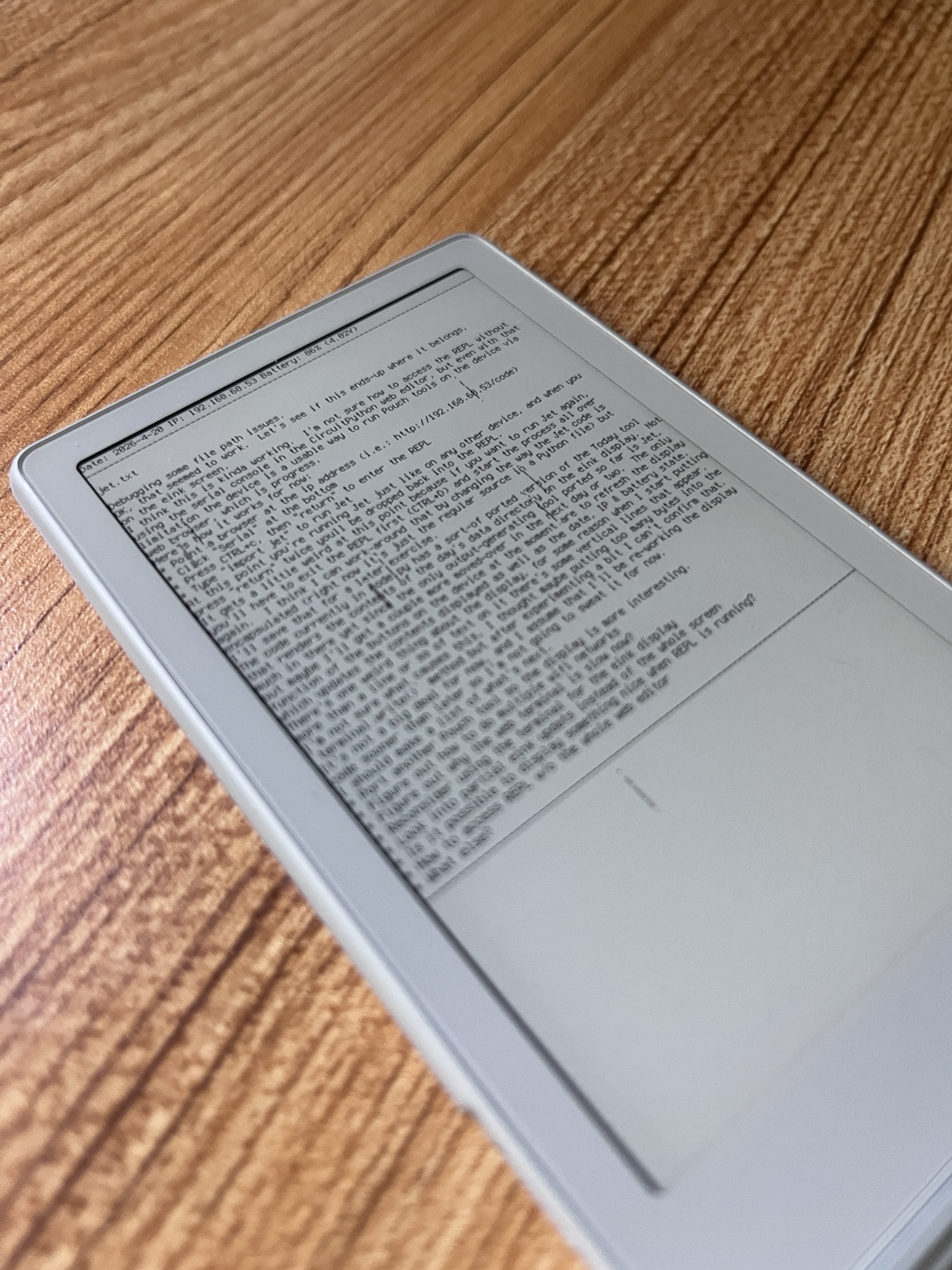
Along the way I uncovered some limitations or hang-ups of this setup for the type of work I have in mind.
The first is that there doesn't seem to be a way to use the e-ink display as a regular terminal. The only way I found to update it is to refresh() the entire screen which is slow (like, seconds). I know there must be a way to do partial updates to the screen (the original firmware did this) but even then it's never going to work for things like scrolling text. This isn't a complete deal-breaker, I have some ideas for how to work with these limitations but it does mean that I can't simply use the tools I've written with this display the way I'd used them with a regular terminal.
The second is how CircuitPython expects to be accessed over a network. This is very handy if you use only one WiFi network but if you were to say, take the setup to the coffee shop there's no way to switch networks without resorting to using a physical serial connection. Again this isn't a deal-breaker (I usually carry all the cables I need and I don't mind using a serial console) but as-is it would be a serious limitation for using the device outside of experimental environments. That said software could be written to compensate for this so it's not a dead-end.
The third is the lack of a real-time clock. Most of the programs I want to run on this device produce files with date stamps which requires the device to know the current date. I was able to work-around this by manually setting the software RTC to the current date/time, but this will certainly drift, and of course will need to be reset anytime the device is restarted. I can work around this for experiments but it would be frustrating for long-term use.
The more serious limitation is how the buttons on the device are connected to the embedded processor. There are several buttons on the device, but they are connected to only three GPIO pins on the microcontroller and none seem to be connected to the reset pin. Not only does this limit the things you can do with these buttons, it also means that you can get the device into a "stuck" state which may not be recoverable, like I did.
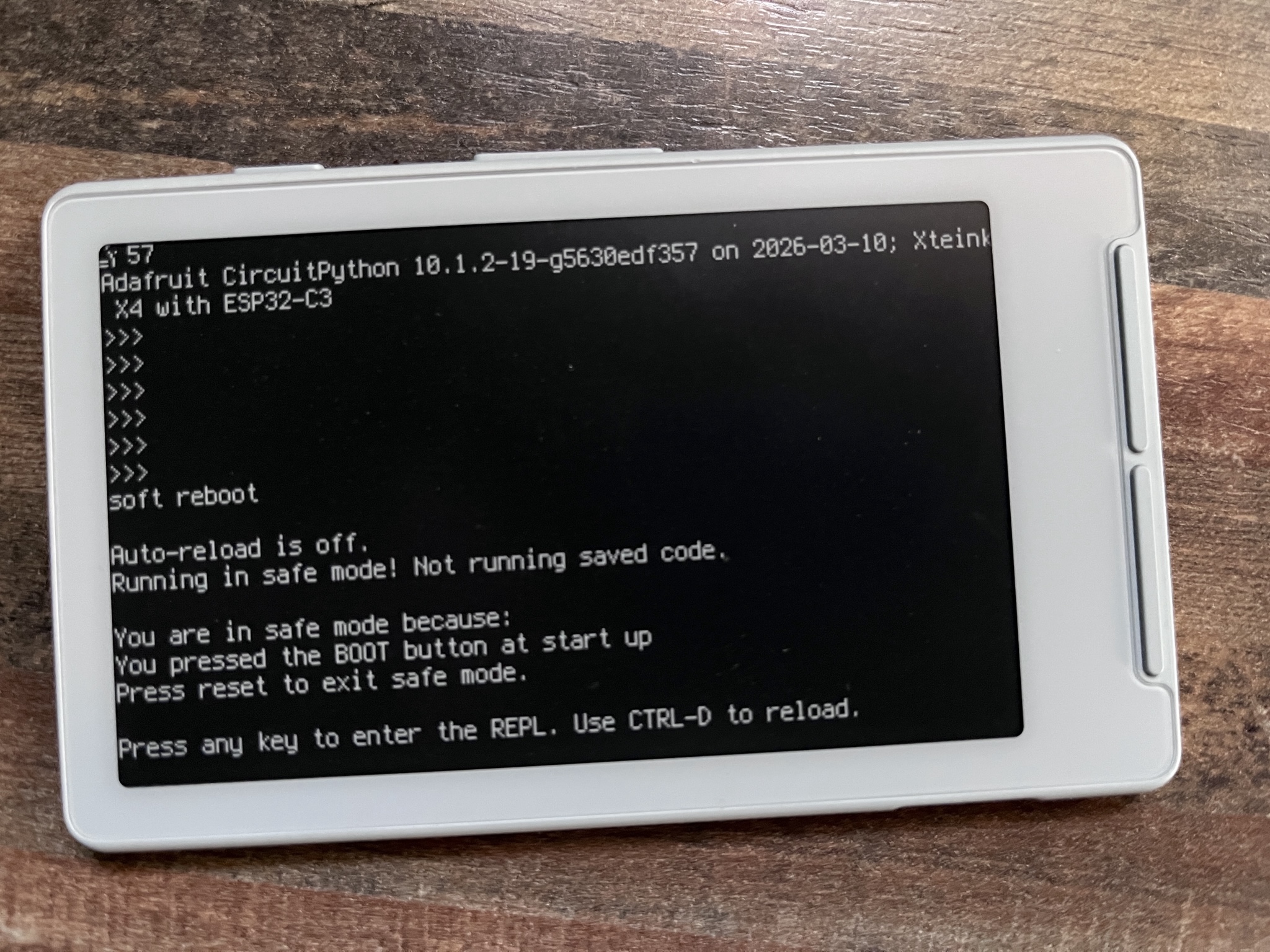
I tried a number of things to get the device out of "safe mode" but no matter what I do it insists that the BOOT button is being held-down at startup. My guess is that whatever pin is normally connected to the BOOT button on CircuitPython devices is permanently pulled high or low on the XTEINK X4, forcing it into safe mode potentially forever. I have an open question on the Adafruit forums to see if there is a way out of this, and I'm also going to re-flash the CircuitPython firmware to see if that works as well, but re-flashing the firmware every time it cold-boots isn't going to work for a platform for experimentation.
If I can find a way to resolve the safe mode issue without resorting to prying the device apart, I think I can work-around the rest of the limitations well enough to keep the software work rolling until I can get the right hardware for the job at the end of the year. If not, this thing will probably have to go back to being just a tiny e-reader.
Jason J. Gullickson, 2026